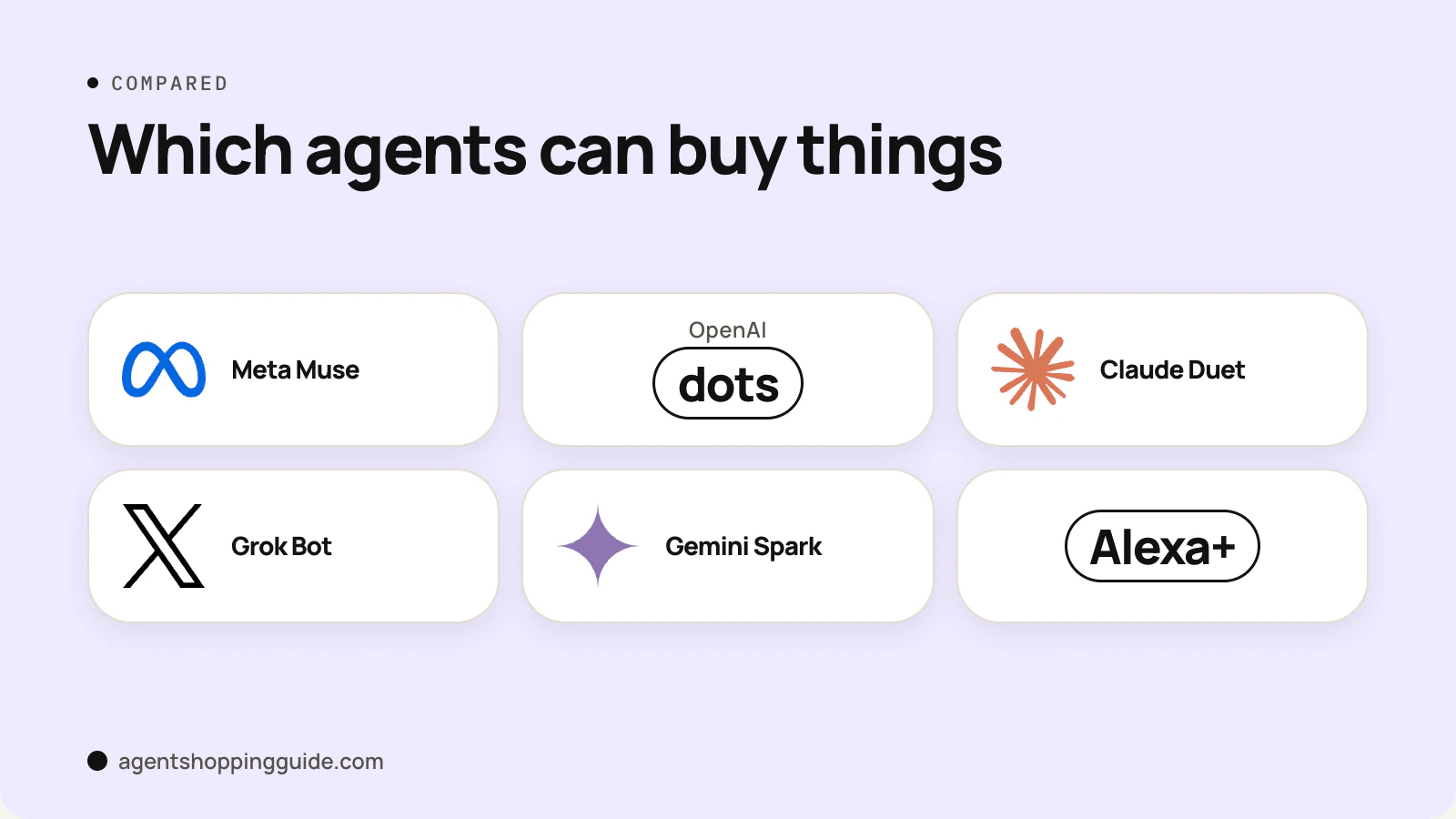
An AI shopping assistant tells you what to buy. An AI shopping agent does some of the buying. The line between them is action: once software can fill your cart, enter shipping details or pay with a card you've authorised, it has crossed from assistant to agent, and the questions you should ask change with it.
This explainer sorts the main products by what they can actually do as of November 2026, based on vendor documentation rather than hands-on testing.
What is an AI shopping assistant?
An assistant works with information. You ask, it answers. Typical jobs:
- Comparing products side by side.
- Summarising reviews and specs.
- Showing price history and flagging deals.
- Answering order questions, such as "where is my package?"
Nothing leaves your control. You still click "add to cart" and you still pay. The main risk is a bad recommendation, which costs you time rather than money.
What is an AI shopping agent?
An agent takes steps in the world for you. It might open a store's website in its own browser, put items in a cart, fill in your address, or complete payment through a wallet you've connected. Some keep working after you close the app, for example watching a price and acting when it drops.
Because an agent can spend money, its design is mostly about limits: what needs your approval, which card it can use, and how much it can charge. That is why the agents covered on this site talk so much about spending limits and one-time cards.
Three levels: recommend, add to cart, check out
It helps to think in three levels rather than two.
- RecommendCompares products and suggests what to buy. You do everything else.
- Add to cartBuilds or edits your cart, reorders past items or schedules a restock. You review and pay.
- Check outEnters payment and places the order, usually after you approve the final amount.
| Product | Recommend | Add to cart | Check out | Notes (Nov 2026) |
|---|---|---|---|---|
| ChatGPT (chat) | Yes | Via retailer apps | Rarely in chat | Instant Checkout scaled back March 2026 |
| Perplexity | Yes | n/a | Yes, PayPal | Free, US |
| Gemini / AI Mode | Yes | n/a | Yes, for tracked items | Google Pay, eligible US merchants |
| Alexa for Shopping | Yes | Yes | Yes, target-price buys | Free, US; confirmation for auto-buy not stated |
| Meta Muse | Yes | Yes | Yes | Single-use Link cards, approval every time |
| Claude Duet | Yes | Yes | Yes | One-time cards via Link or Shop Pay, US preview |
| Grok Bot | Yes | Yes (browser) | Hands payment to you | Takeover flow for payment steps |
| OpenAI dots | Yes | Reported | Saved-card buys need approval | Purchase capability not fully documented |
Level 1: recommend
ChatGPT's shopping research, Google's AI Mode and Perplexity's product cards live mostly here, although Google and Perplexity also offer checkout in narrow cases, covered under level 3. After OpenAI pulled back on in-chat checkout, reports describe ChatGPT as a referral engine: it helps you compare, then sends you to a merchant app or website. See ChatGPT shopping research.
Level 2: add to cart
Amazon's Alexa for Shopping can build carts through conversation and run "Scheduled Actions", one-time or recurring tasks such as a monthly snack restock. Amazon's page says those tasks notify you or add items to your cart, and you review and check out yourself. This middle level is the safest form of agent shopping, because nothing is charged until you press buy.
Level 3: check out
At this level the agent pays. Meta Muse and Claude Duet both use single-use cards from Link by Stripe (Duet also supports Shop Pay), and Duet's are limited to one merchant and one amount. Google's agentic checkout buys tracked items with Google Pay "only after you've confirmed the purchase and shipping details". Perplexity offers checkout through PayPal on supported products for US users. Amazon's target-price feature can complete a purchase with your default payment method, and Amazon's how-to page doesn't say whether you confirm first. The full roster is in which AI agents can buy things.
Why the difference matters for your money
Pros
- Assistants can't spend money, so a mistake costs only time
- Cart-level agents save effort while leaving payment to you
- Checkout agents with one-time cards cap the damage from a wrong order
Cons
- Checkout agents can buy the wrong size or variant if your brief is vague
- Auto-buy rules can fire when you've forgotten about them
- Agents that browse sites can be blocked mid-task by the store
Three practical consequences:
- Returns still go to the store. When an agent pays, the store is still the merchant of record and handles returns under its normal policy, so keep the store's order confirmation. See how to return something your agent bought.
- Store access varies. Amazon requires agents to identify themselves and blocks many outside ones. Our retailer policy tracker shows where agents work.
- Briefs matter more. An assistant can show you five options. An agent picks one. A precise brief, covering size, colour, budget and delivery date, is the best guard against a wrong purchase. Our shopping agent prompts guide has templates.
Which should you use?
If you want help deciding, an assistant is enough and carries no spending risk. If you buy the same household items every month, a cart-level agent like Alexa for Shopping's Scheduled Actions saves time while you keep the final click. If you want true delegation, such as "buy this gift and have it here by Friday", you need a checkout agent with clear approval rules, and you should start with low-value orders.
For a wider view of the assistant-versus-agent distinction across email, calendars and travel, see getpersonalaiagents.com's explainer.
Bottom line
The difference is simple to state and important in practice: assistants advise, agents act. In November 2026 most shopping AI still advises, a few tools fill carts, and only a handful pay. Know which level you are using before you hand over a card, and keep approvals on for anything at level three. To see how a checkout agent handles the final step, read our agentic checkout walkthrough.